

You will need a free Replit account and a GC AI API key. See How to enable API access to create a key.
Steps
1
Import the project
The Run it yourself link opens Replit’s Import from GitHub page with the repository already selected. Click Import from GitHub.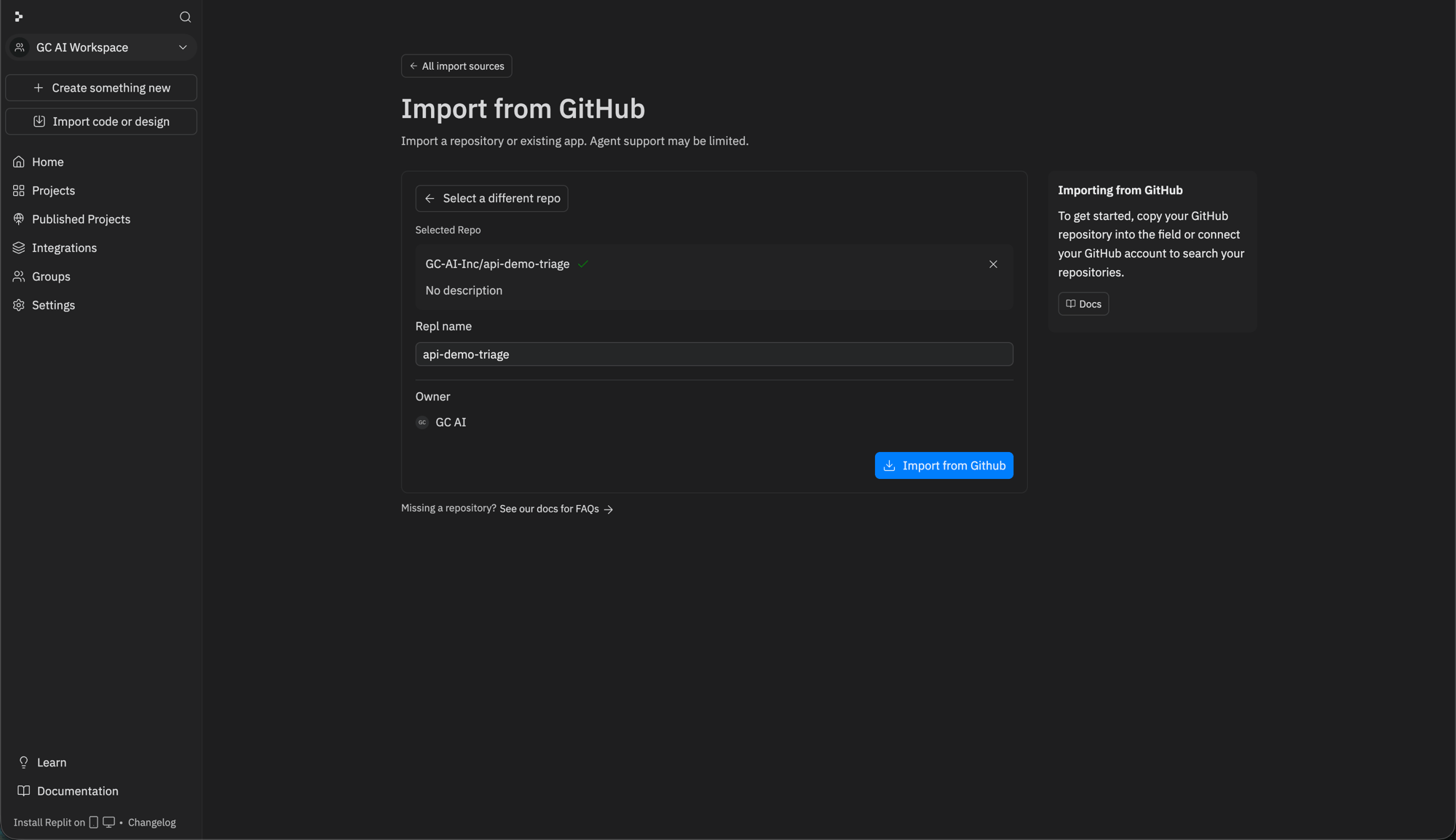
2
Let Replit import it
Replit copies the repository and its Agent starts setting the project up. This takes a minute or two.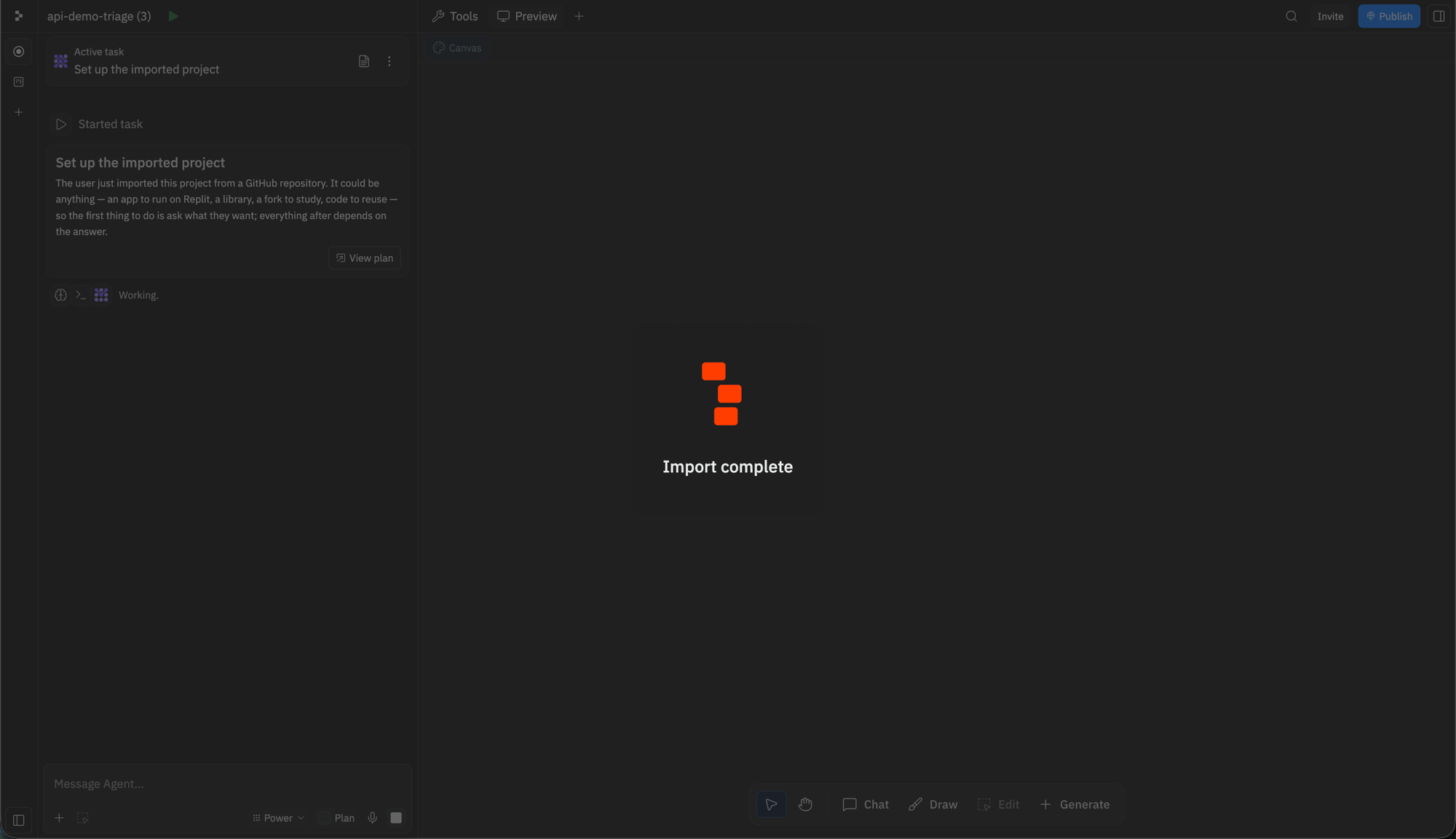
3
Choose “Get it running on Replit”
The Agent asks what you want to do with the project. Select Get it running on Replit and click Submit. The Agent then installs dependencies, configures the dev server, and starts the app.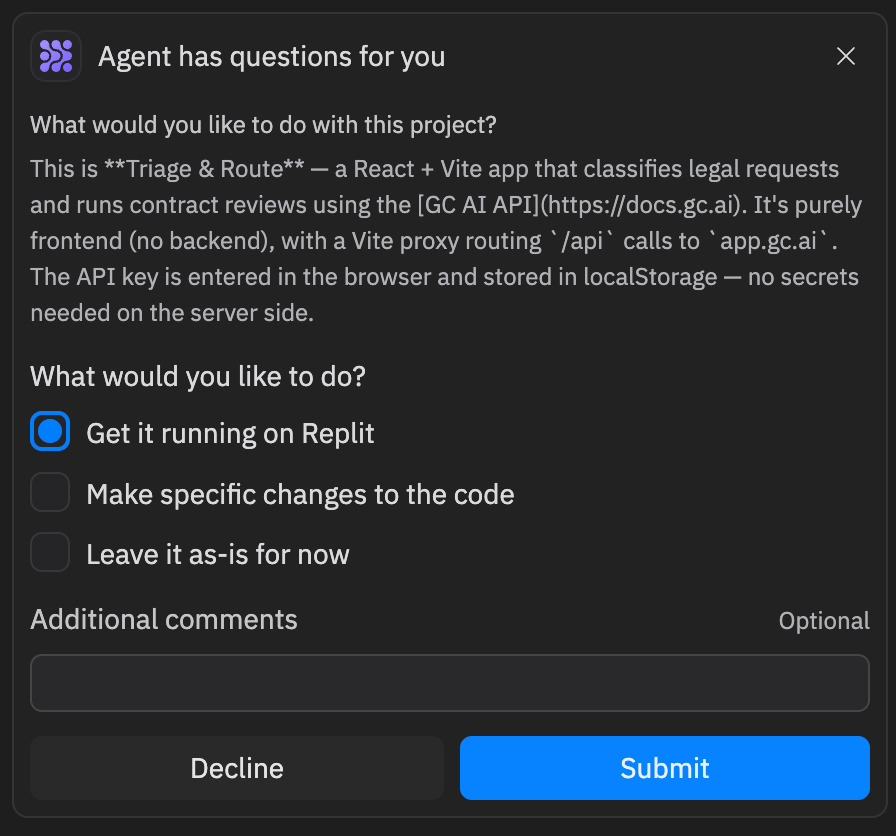
4
Add your GC AI API key
When the app is running, its preview opens on the right. Paste your GC AI API key into the field at the top to start using it.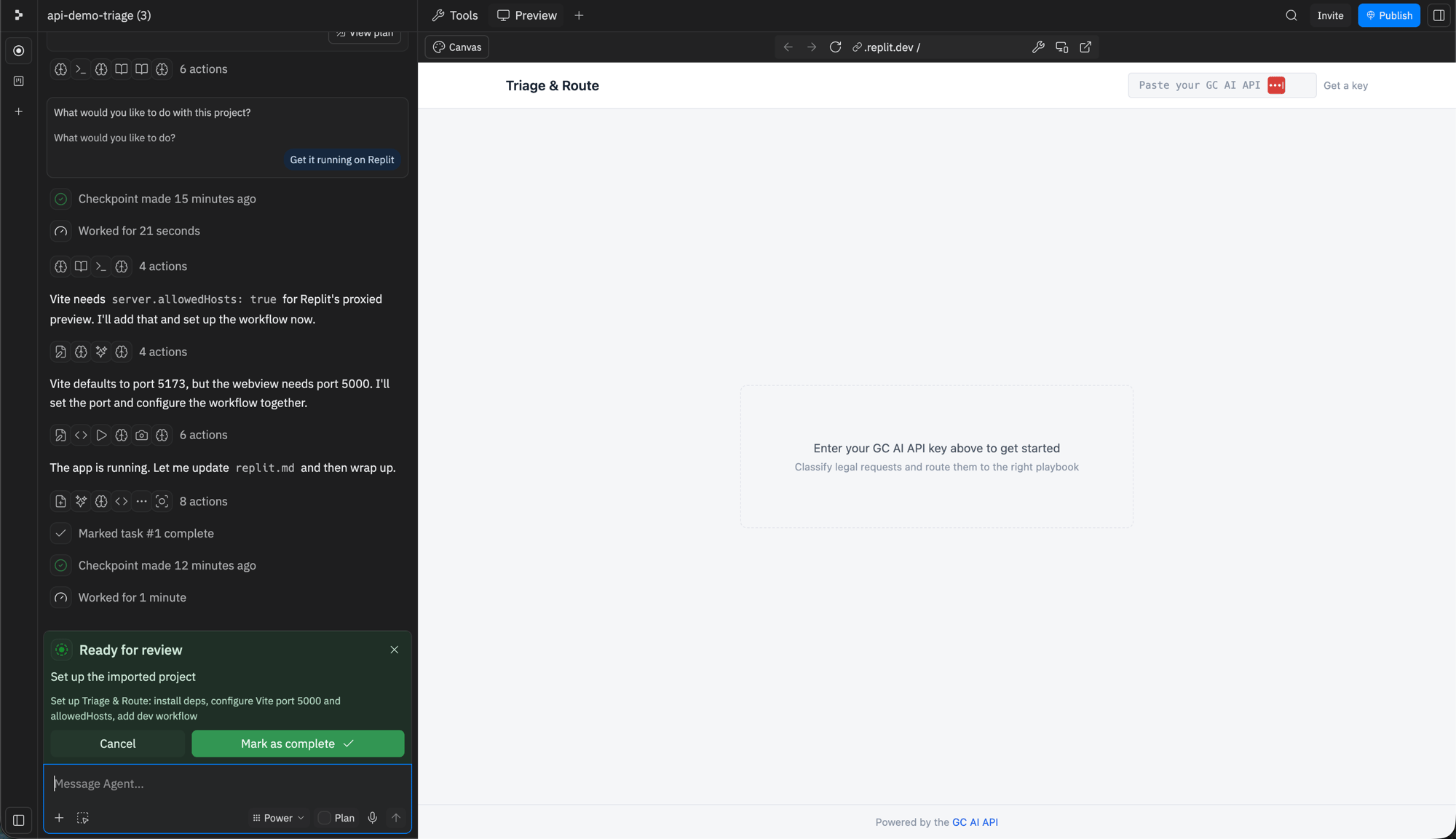
The example runs entirely in your browser and stores the key in your browser’s local storage. There is no server-side secret to configure.
README for how the app is structured.