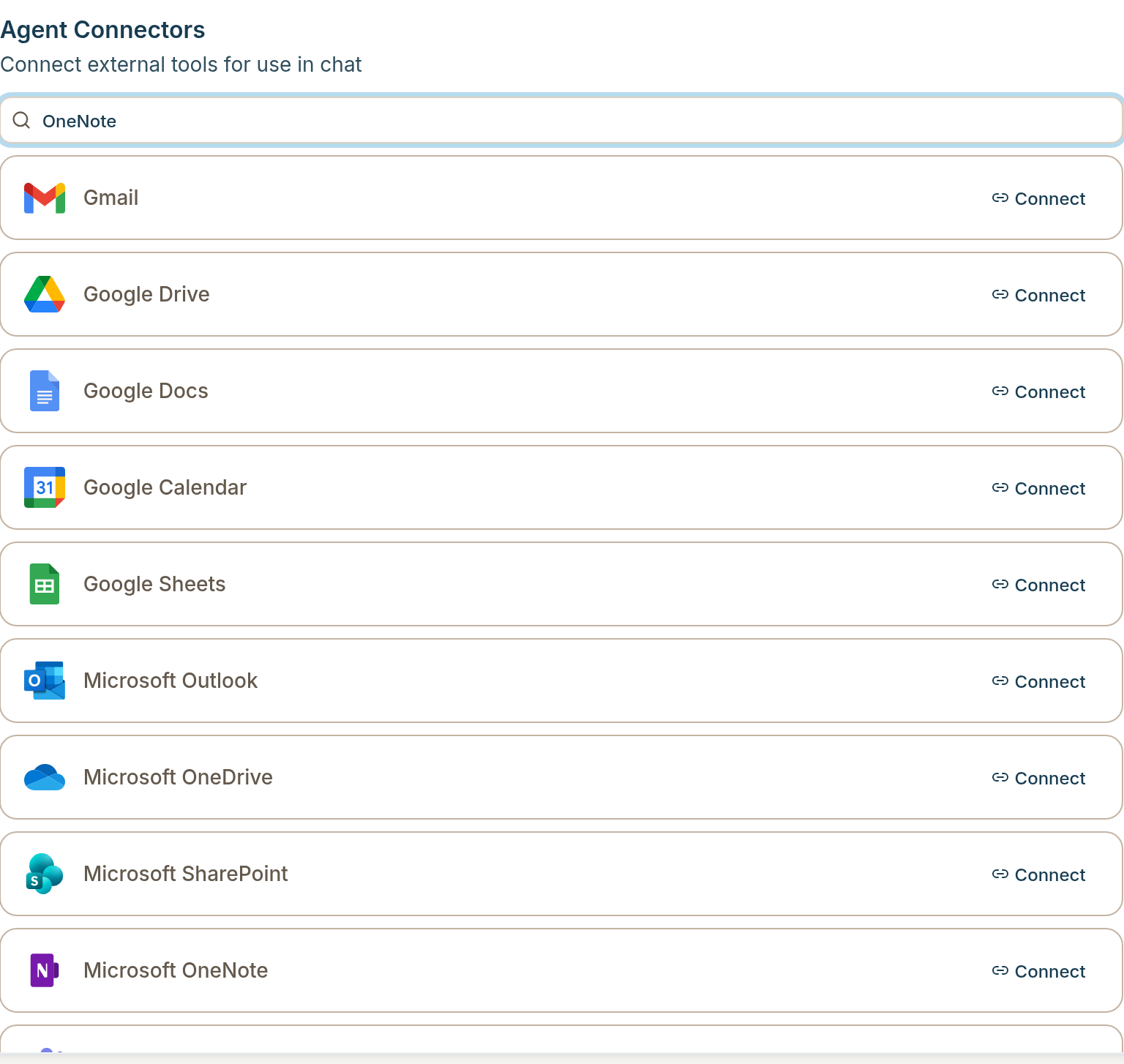
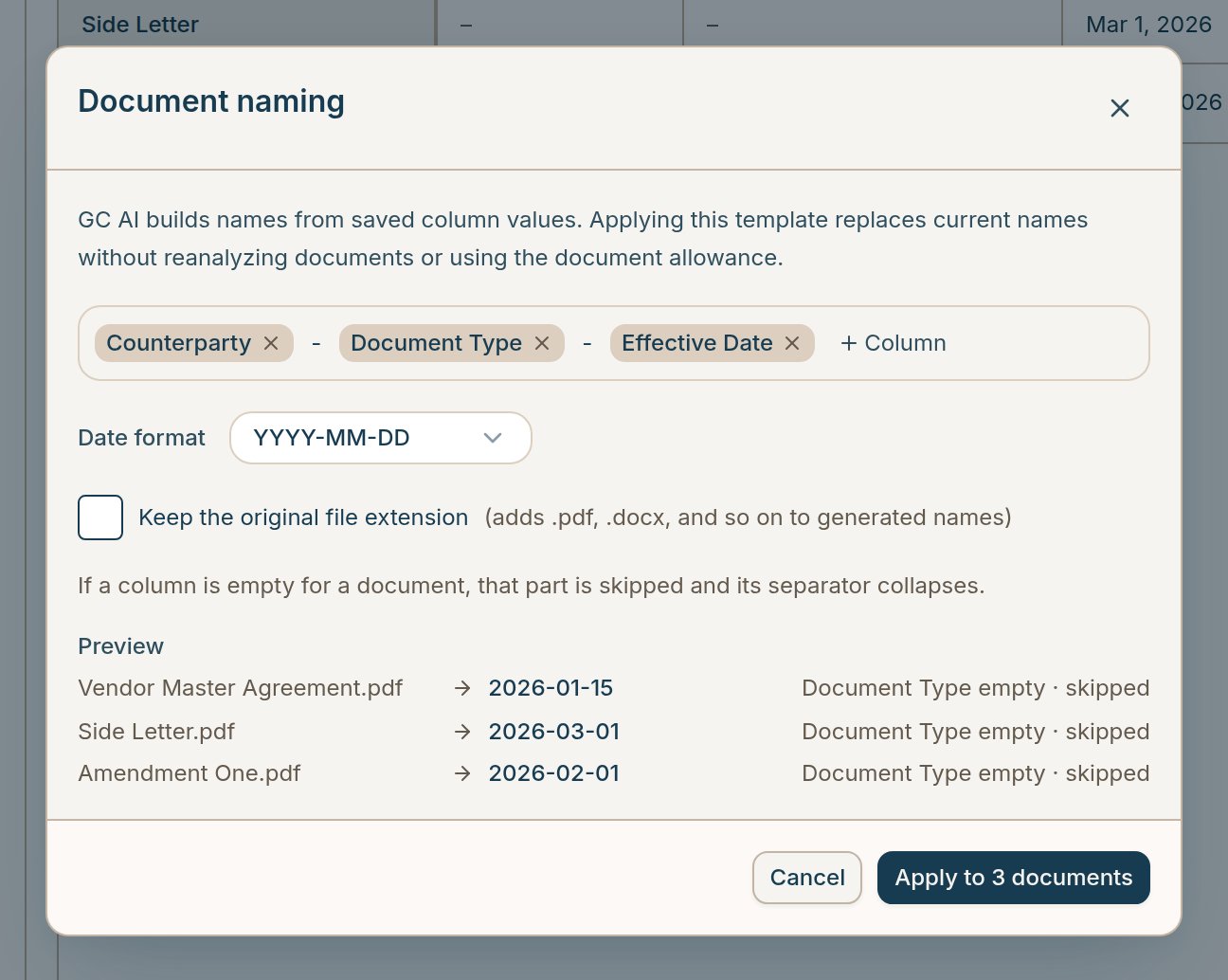
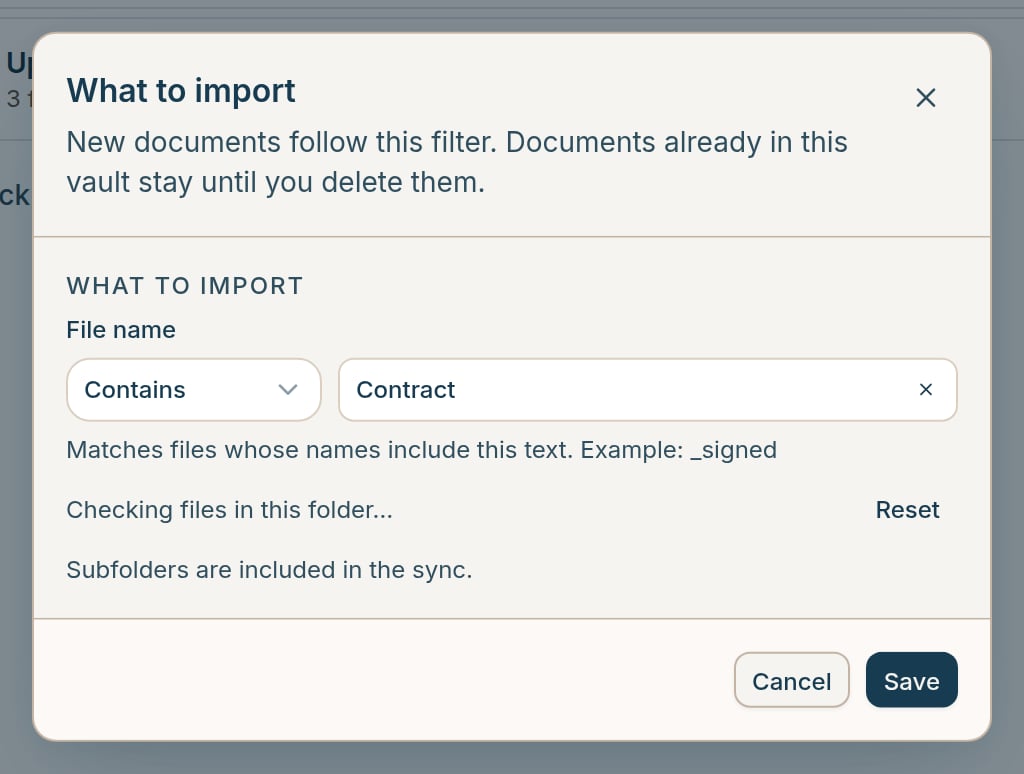
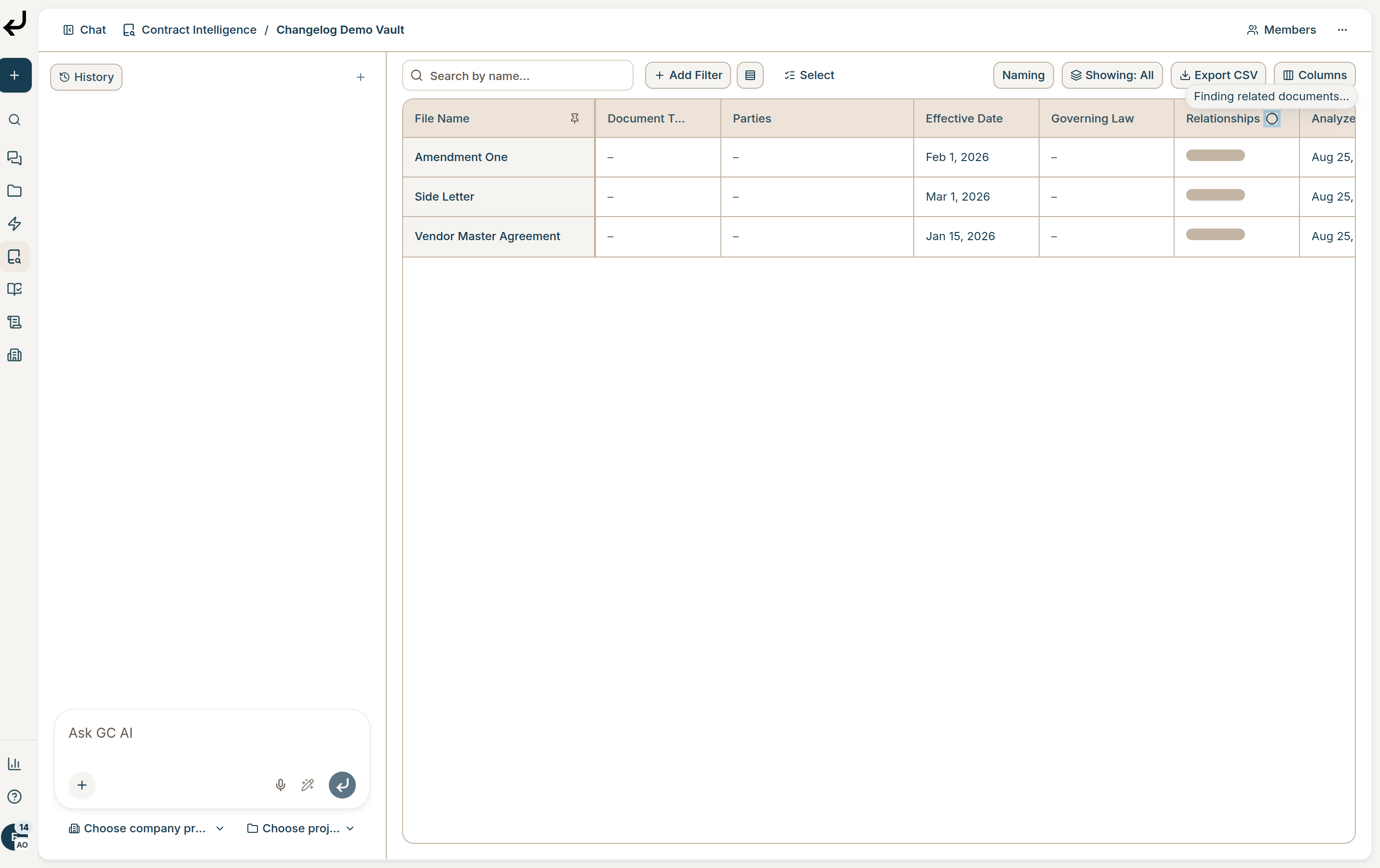
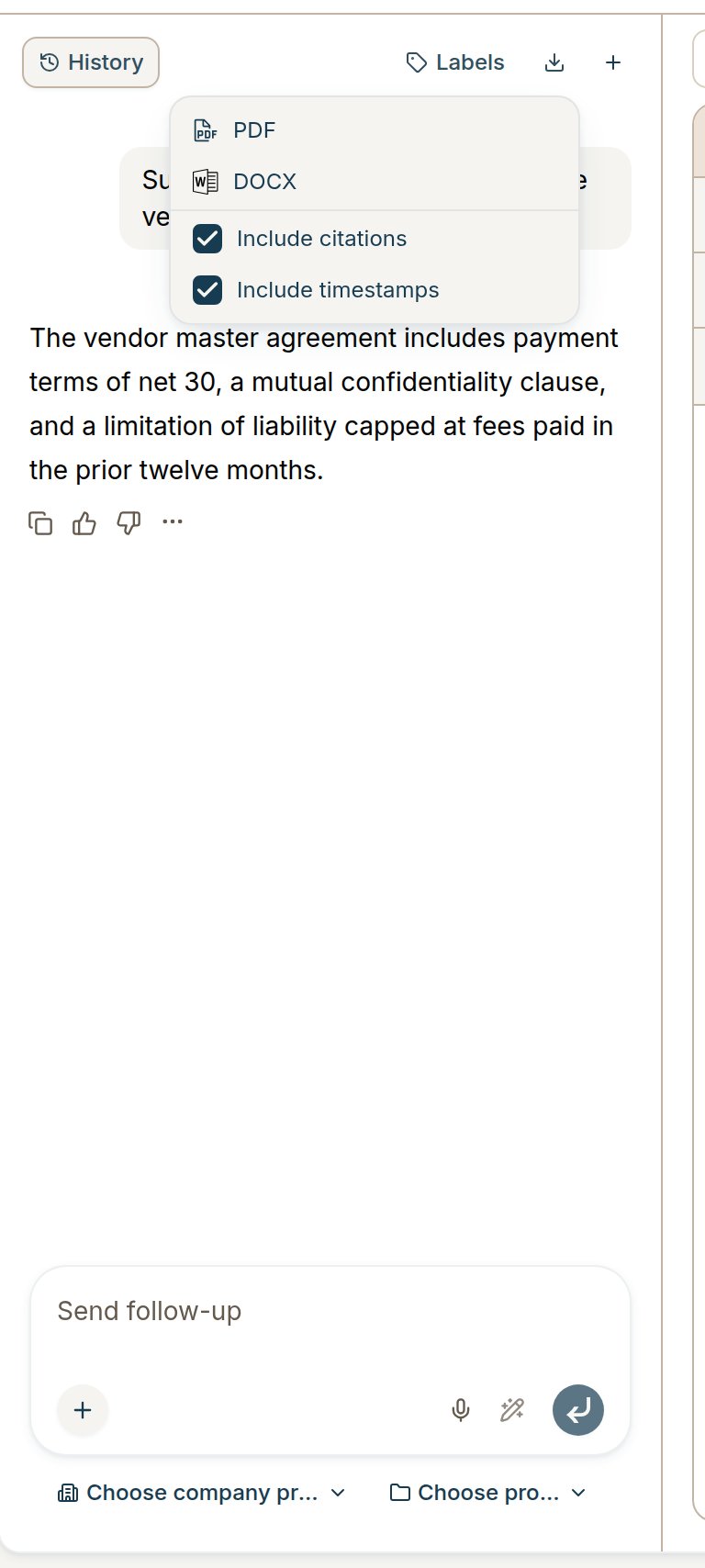
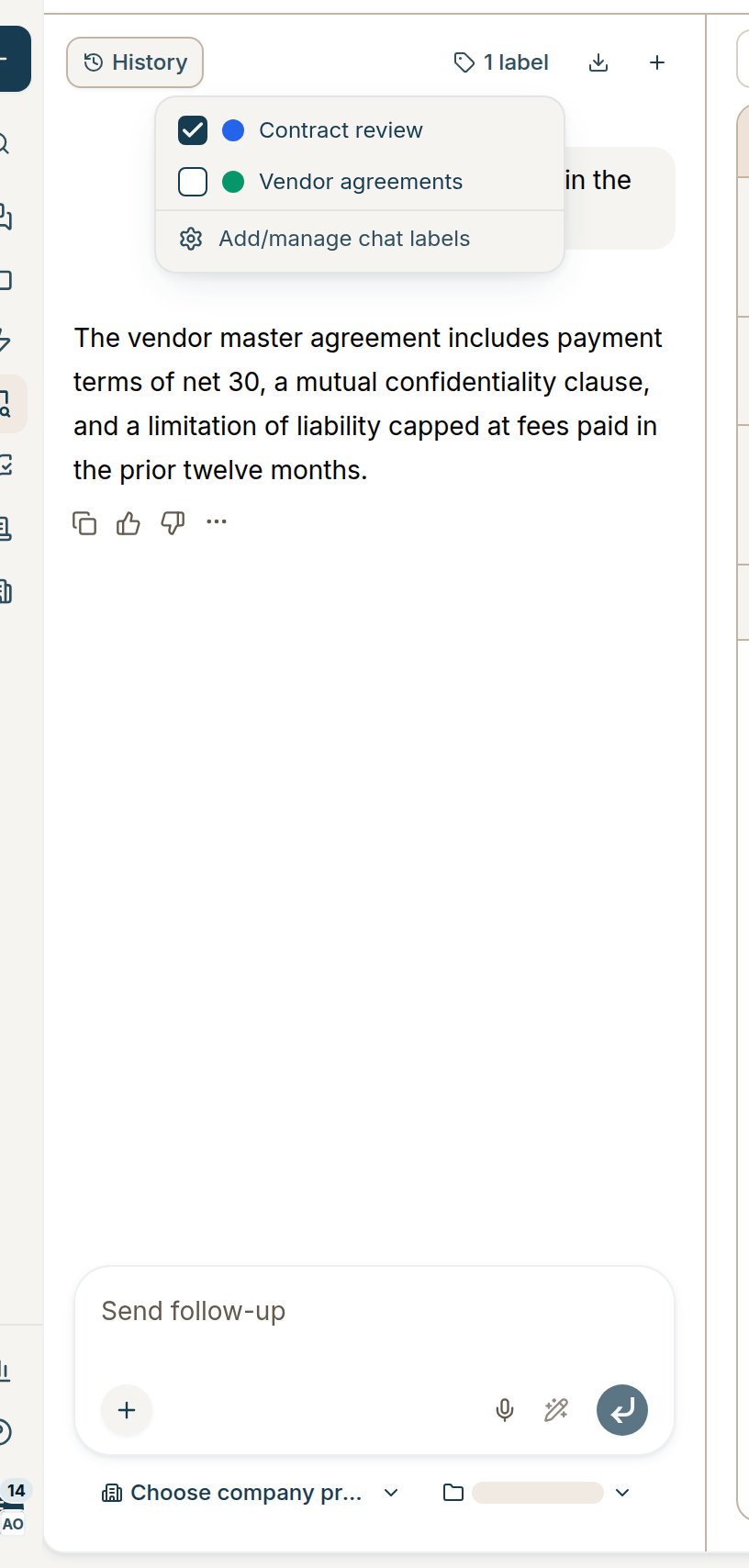
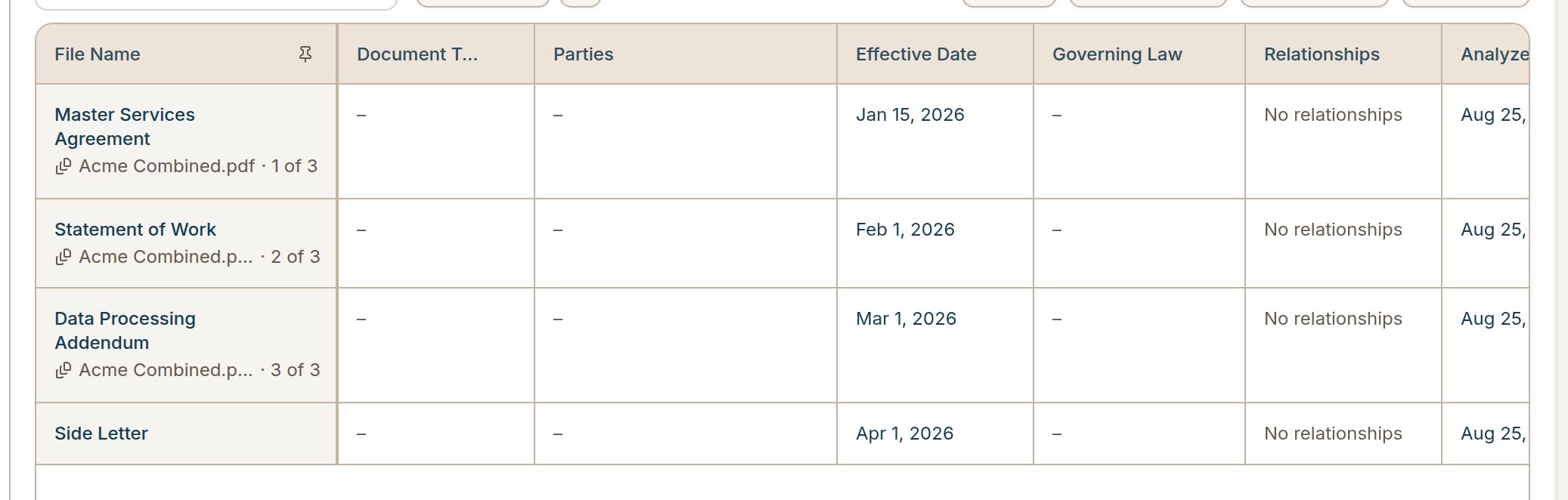
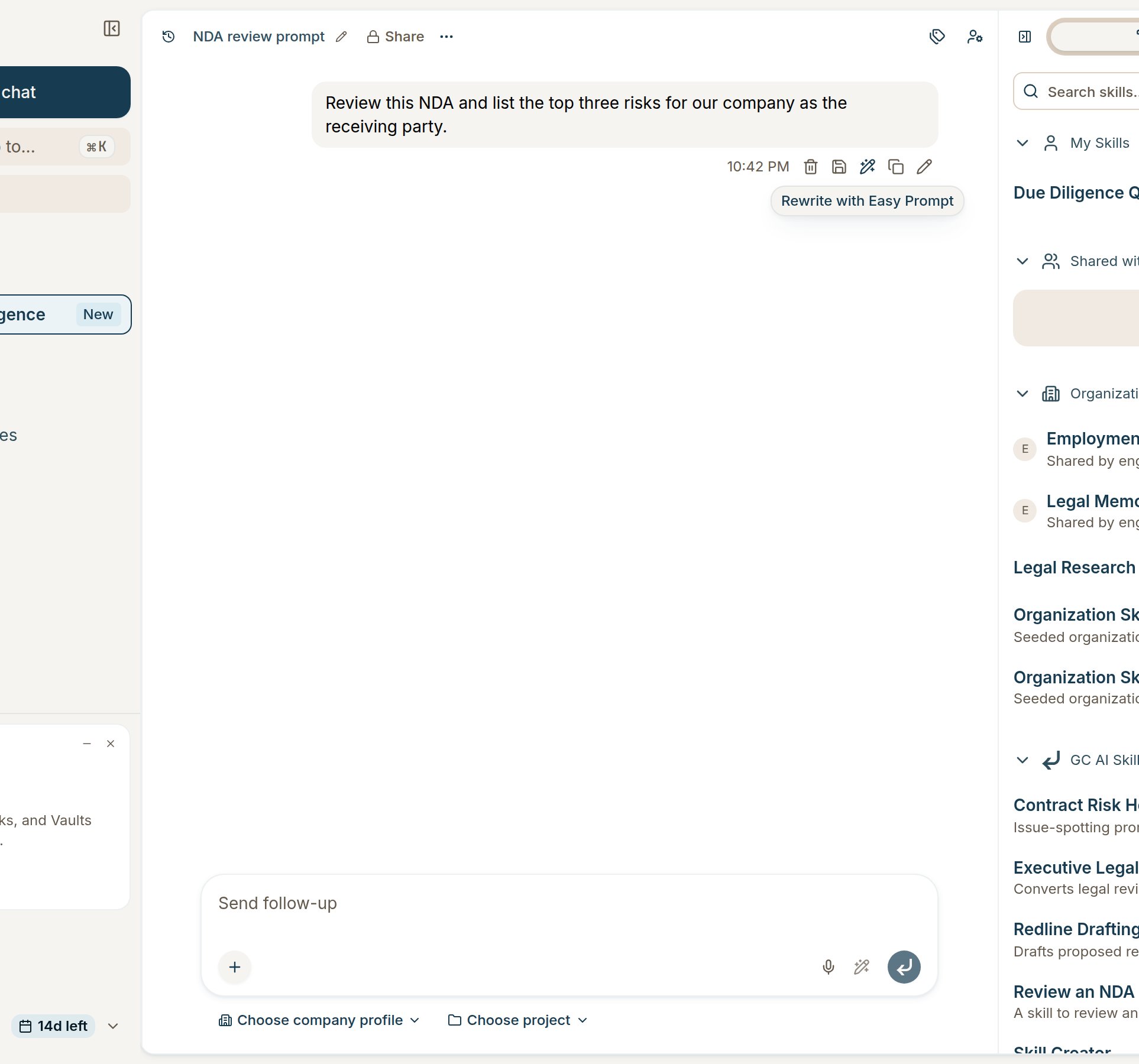
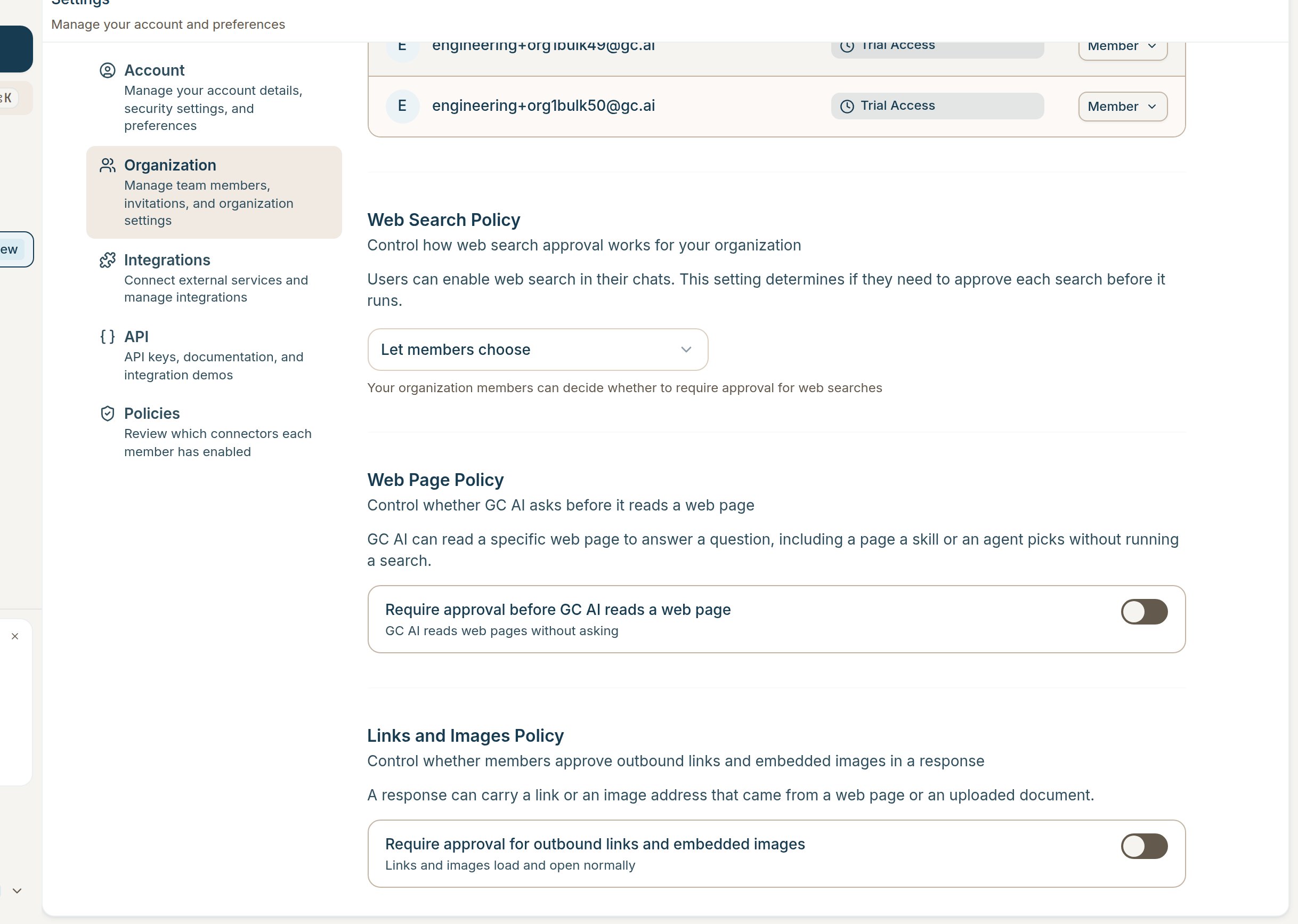
• Connect Microsoft OneNote: Connect OneNote from Settings so GC AI can search your notebooks, read page content, and create or update pages from chat.• Naming templates for Vault documents: Open Edit naming template from a Vault’s Fields page or the Document Name column header. Build a template from document fields, preview the result, and apply it across the vault. New scans and reapplies name documents from the template instead of AI-generated titles.• Filter Vault imports by file name: When you add a source, expand What to import to set a file-name rule. Only matching files sync in. Edit the same rule from the source card on the Sources page.• Relationship detection progress: While GC AI finds related documents, the Relationships column header shows a spinner with a Finding related documents… tooltip. Rows the scan has not reached yet show a skeleton instead of No relationships. The document side panel’s Related tab shows the same in-progress state.• Download a full vault chat: In Contract Intelligence vault chat, use Download in the sidebar header to export the whole thread as one PDF or DOCX, with the same format and citation options as main chat.• Label vault chats from the sidebar: Assign chat labels from the Labels dropdown in the Contract Intelligence vault chat sidebar, so labeled vault conversations show up in your label filters.• Clearer compound file rows: When one uploaded file holds several agreements, each extracted document shows as its own row in the Vault table. Siblings share a dim subline with the file name and n of m instead of a grouped banner row, so you can scan related documents faster.• Rewrite with Easy Prompt on sent messages: Hover a message you sent and choose Rewrite with Easy Prompt to tighten the prompt without retyping it.• Web, link, and image approval controls for admins: Organization admins now see Web Page Policy and Links and Images Policy under Settings → Organization. Turn on approval before GC AI reads a specific web page, or before outbound links and embedded images load in a response.
• AI redlines match your Word name color: Tracked changes from GC AI use the same color Word assigns to your user name.• Comment dates match Word’s clock: Comment timestamps in generated documents align with the wall clock Word displays.
• Fixed an issue where batch apply and download replayed edits across every open document instead of only the one you were working on.• Fixed an issue where editDocument could hang when the target file could not be edited.• Fixed an issue where a Dropbox import filter could block adding a source even when the rule was valid.• Fixed an issue where Google Drive tools failed on shared drives.• Fixed an issue where deleting a chat during an active turn could race with the in-progress response.• Fixed an issue where garbled text in some PDFs was not routed to OCR.• Fixed an issue where the Contract Intelligence chat icon was missing from the sidebar.
• Fixed an issue where AI table edits could land in the wrong cell when a bookmark range was reused.• Fixed an issue where label-cell blank lines appeared in AI-generated table XML.• Fixed an issue where redline context could drop after certain document operations.
Was this page helpful?
Assistant
Responses are generated using AI and may contain mistakes.