Connectors
• Connect Airtable and Todoist: Connect Airtable or Todoist from Settings so GC AI can search your records and tasks, and create or update them from chat. Both connectors are available to every organization that has Enable new integrations by default turned on.

Contract Intelligence
• Share a saved View: Share a saved View with members, groups, or an email address outside your organization. Recipients get read access to that View. An invite to someone outside your organization waits until their membership is approved.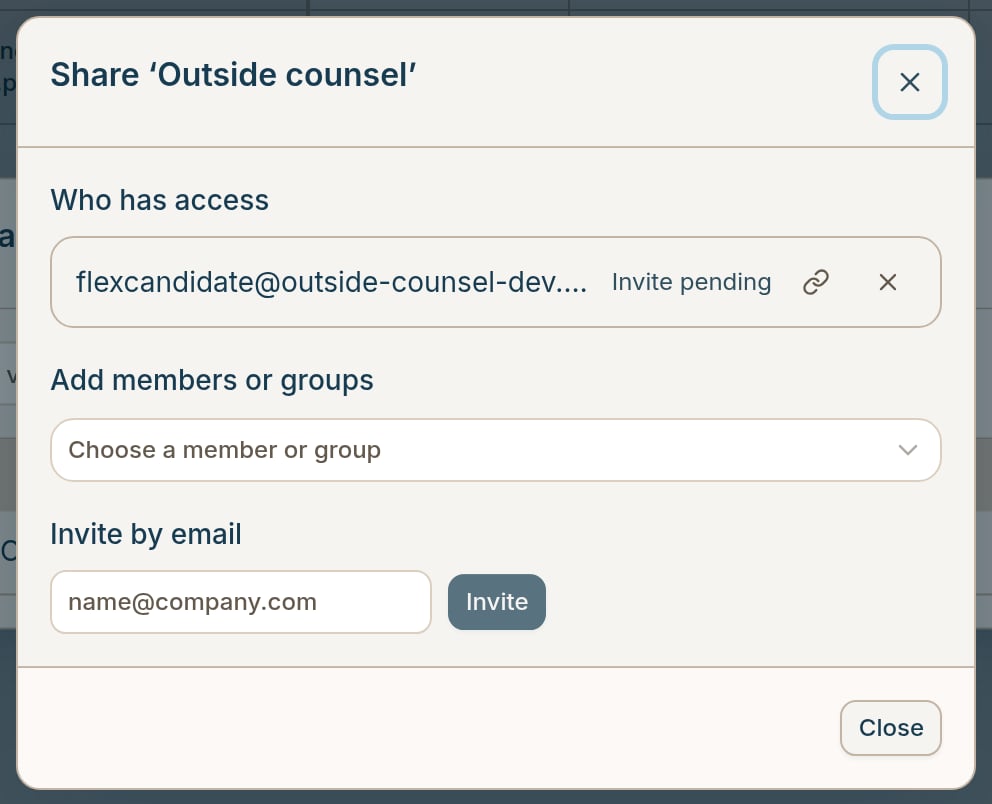
Chat and Redlines
• Automatically apply document edits: Under Settings → Account → Preferences, turn on Automatically Apply Document Edits. When Easy Edit has that chat’s document open, GC AI applies its tracked changes as they arrive, so you no longer confirm each edit.
Bug fixes
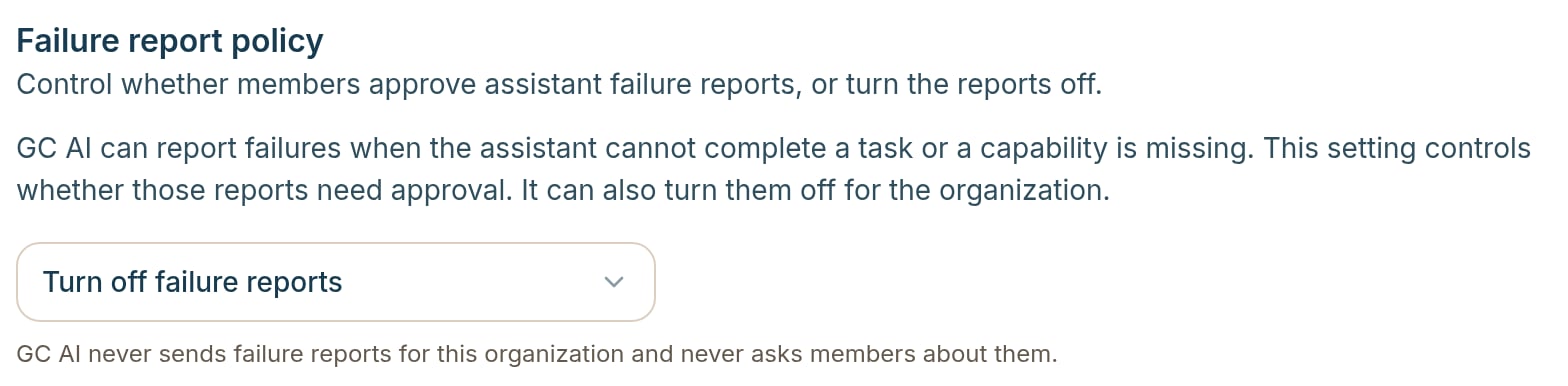
• More ways to answer a failure report: When GC AI reports that something went wrong, you can send that report, send every later report automatically, or dismiss the card and keep working. The card now appears even when a chat fails before the first reply. • Turn off failure reports: Organization admins can select Turn off failure reports in the failure report policy under Settings, so no one in the organization sees the card.